App Walkthrough
Swipe or scroll horizontally to preview the application interface
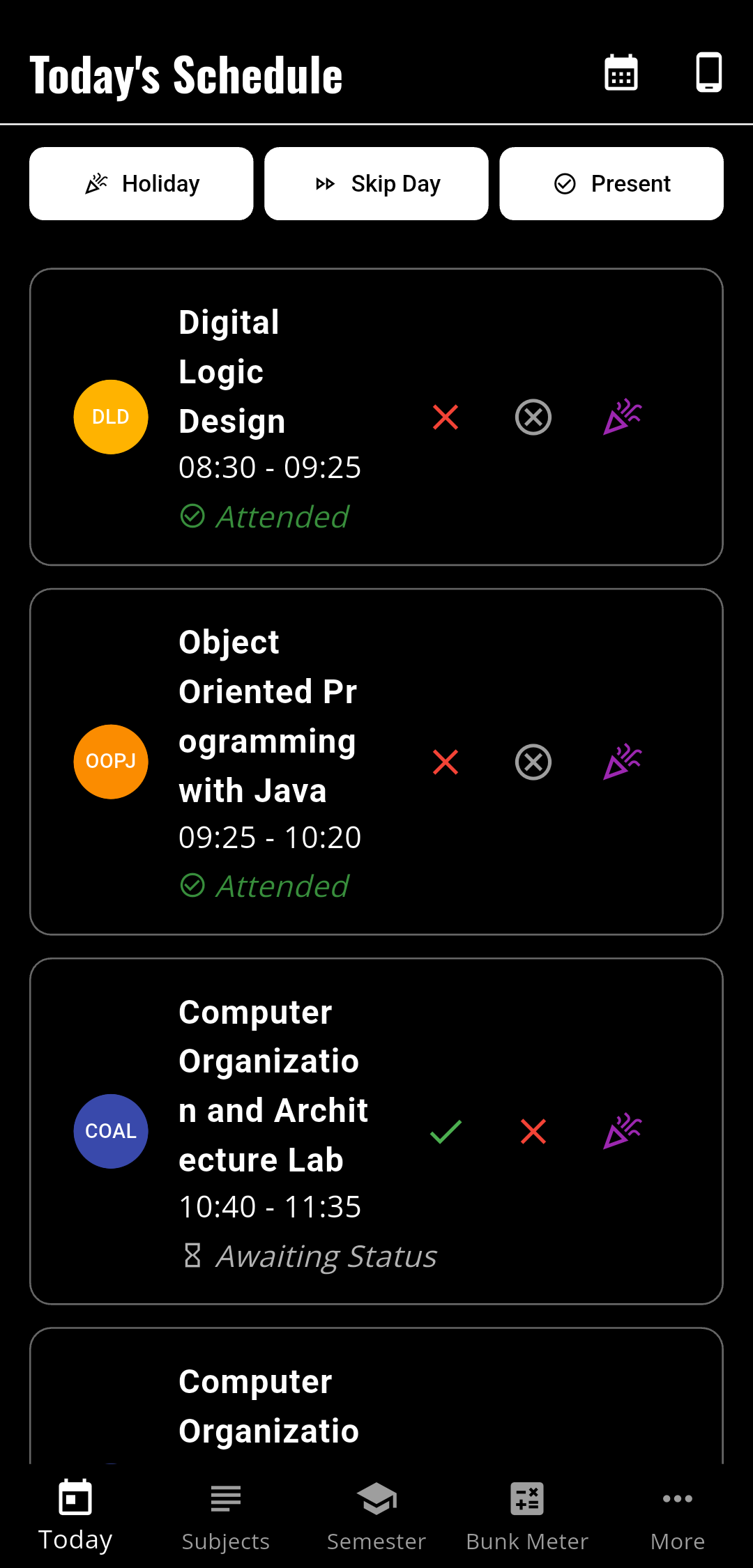
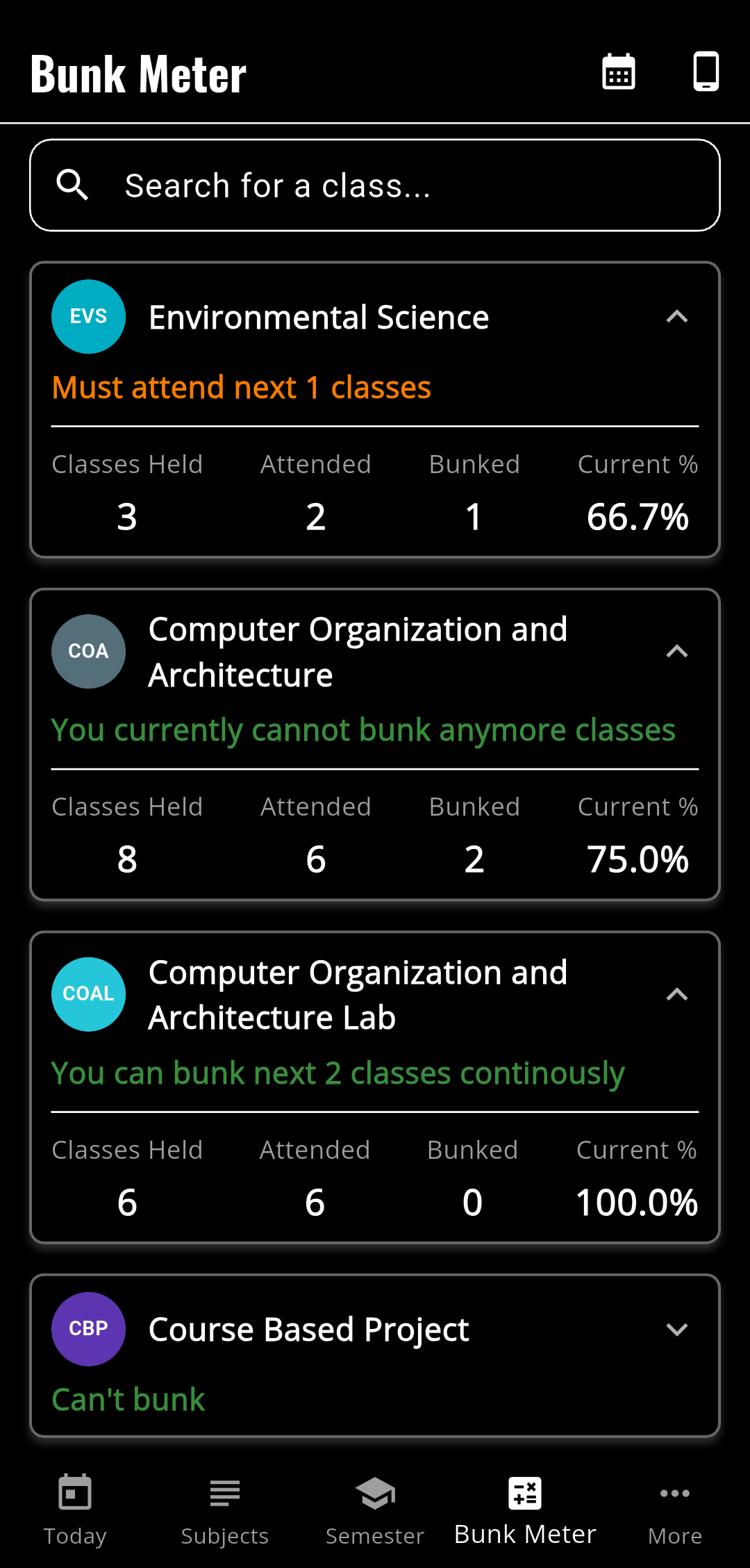
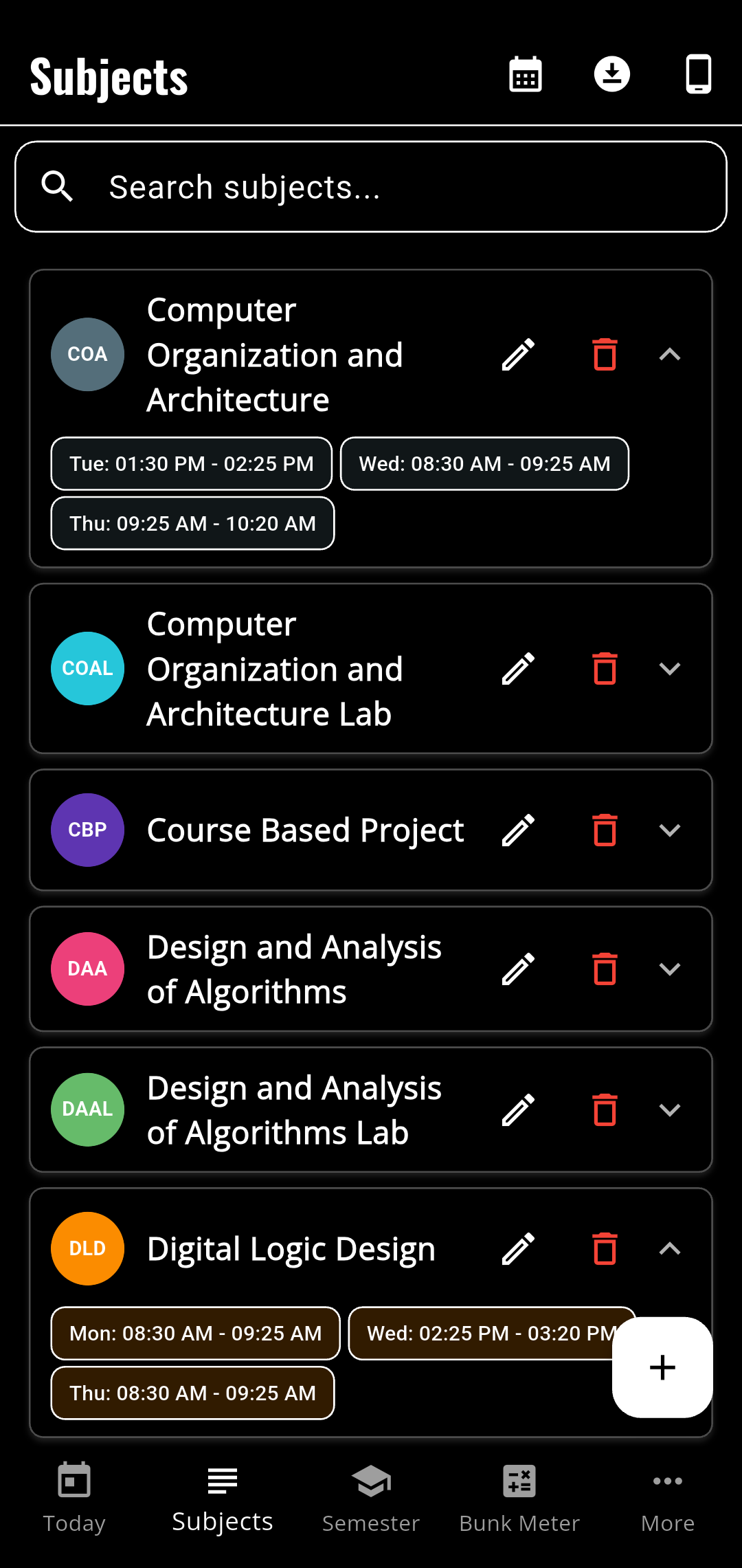
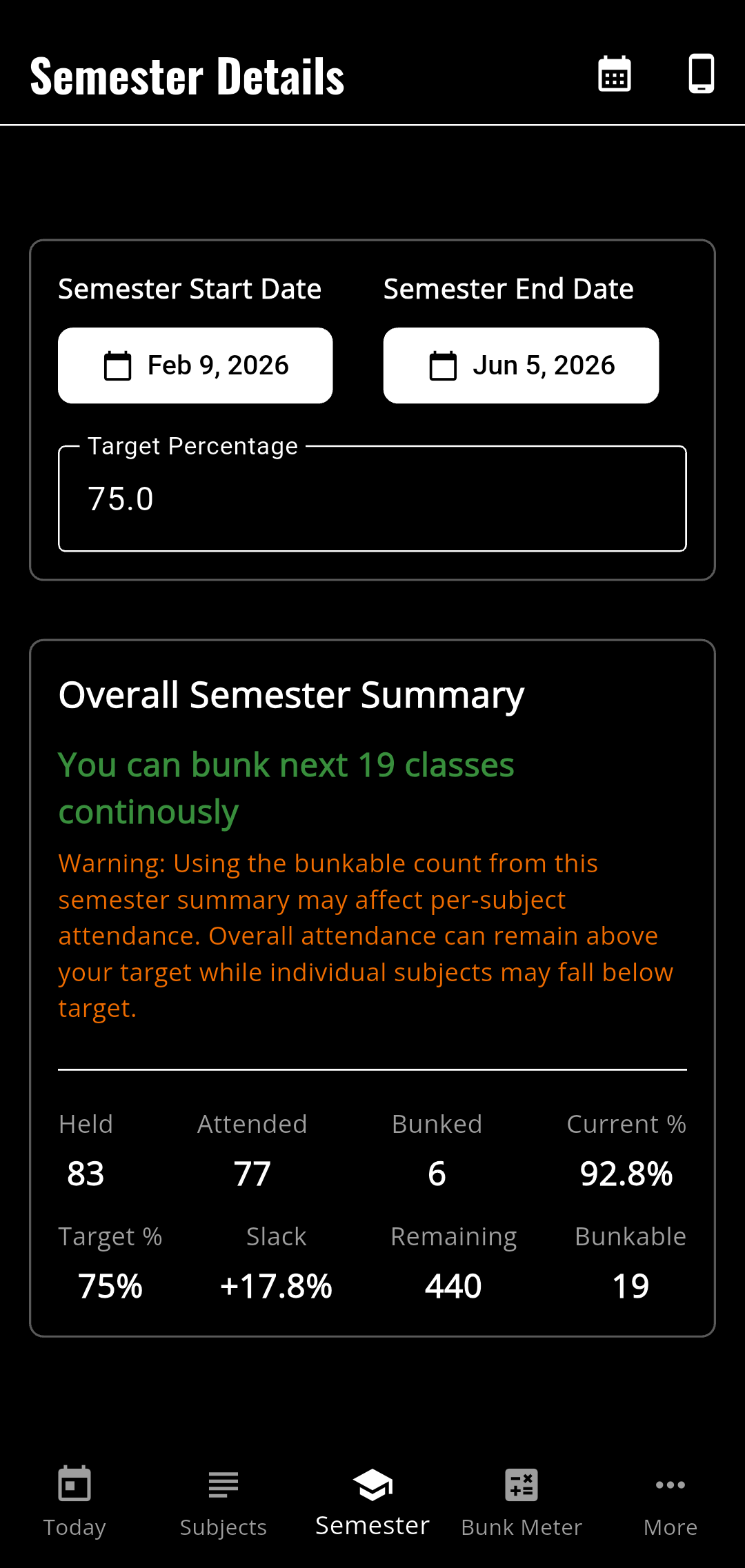
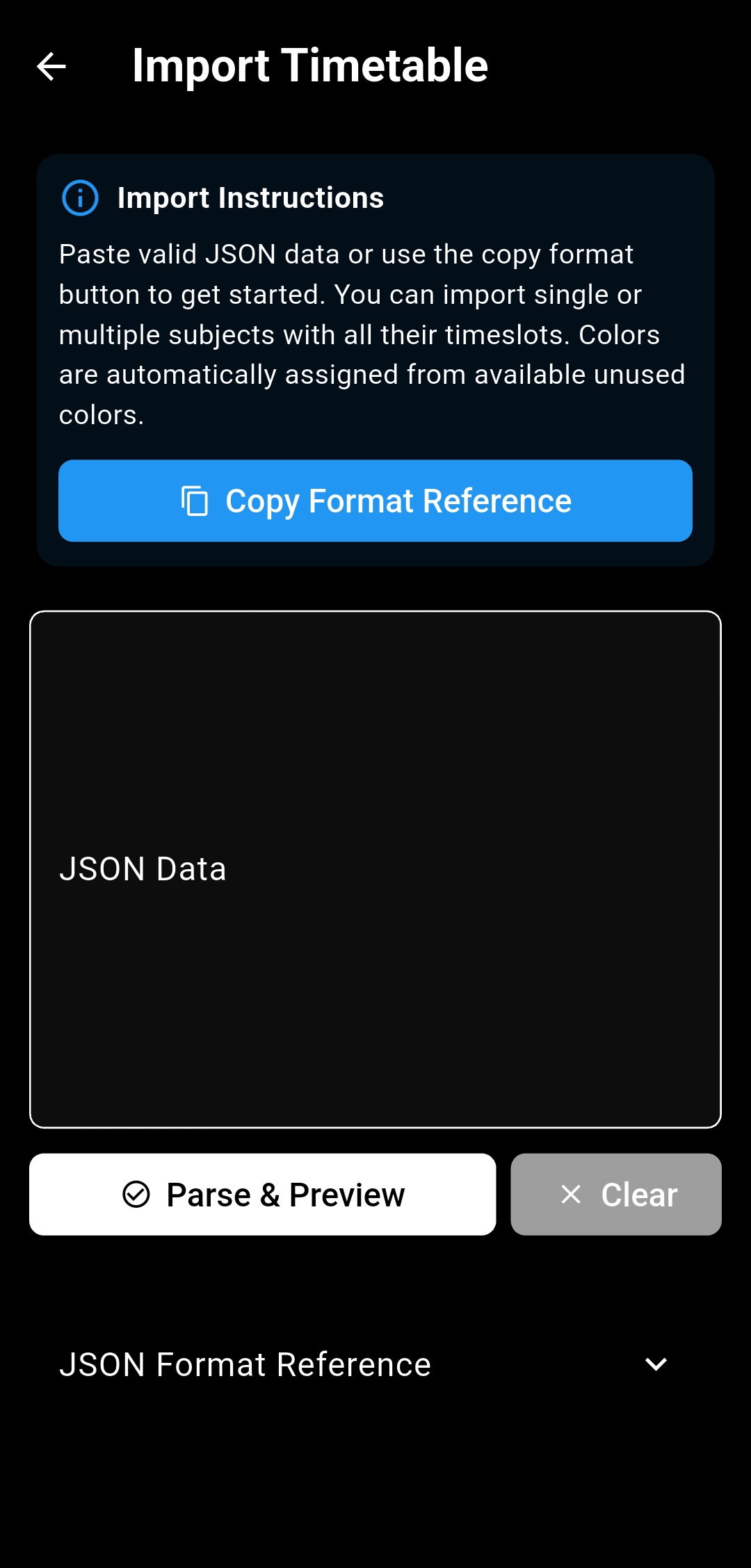
Manage your weekly class timetable, view attendance statistics, calculate bunk allowances, and securely synchronize your schedule with Google Calendar and Google Drive.
Swipe or scroll horizontally to preview the application interface
Synchronize your weekly lecture slots and timetable automatically into your personal Google Calendar with recurring events and holiday exclusions.
Keep your attendance data and course setups safe by backing up directly to your personal Google Drive storage, fully isolated from other files.
Computes how many lectures you can skip safely or how many consecutive classes you must attend to meet your target percentage threshold.
Receive lock screen reminders right when your lecture begins and log attendance statuses directly without digging through menus.
AttendMate integrates with Google Calendar and Google Drive strictly for personal timetable synchronization and secure backups. We operate on a local-first architecture and do not run proprietary backend servers that store your personal records.
Used strictly to create, update, and synchronize class lecture events to your personal Google Calendar. AttendMate does not read or alter any other personal calendar events.
Used strictly to store and restore a single encrypted backup file (attendmate_cloud_backup.json). AttendMate has zero access to any other files or folders in your Drive.